Self-hosted · Local-first · Open source

Your notes.
Your server.
Your rules.

GlassKeep is a self-hosted notes manager built for privacy and offline use. Write on the train, sync when you land, and keep every byte on hardware you own.

Works fully offline Encrypted at rest No telemetry, ever
Make it yours

Six themes.
One click.

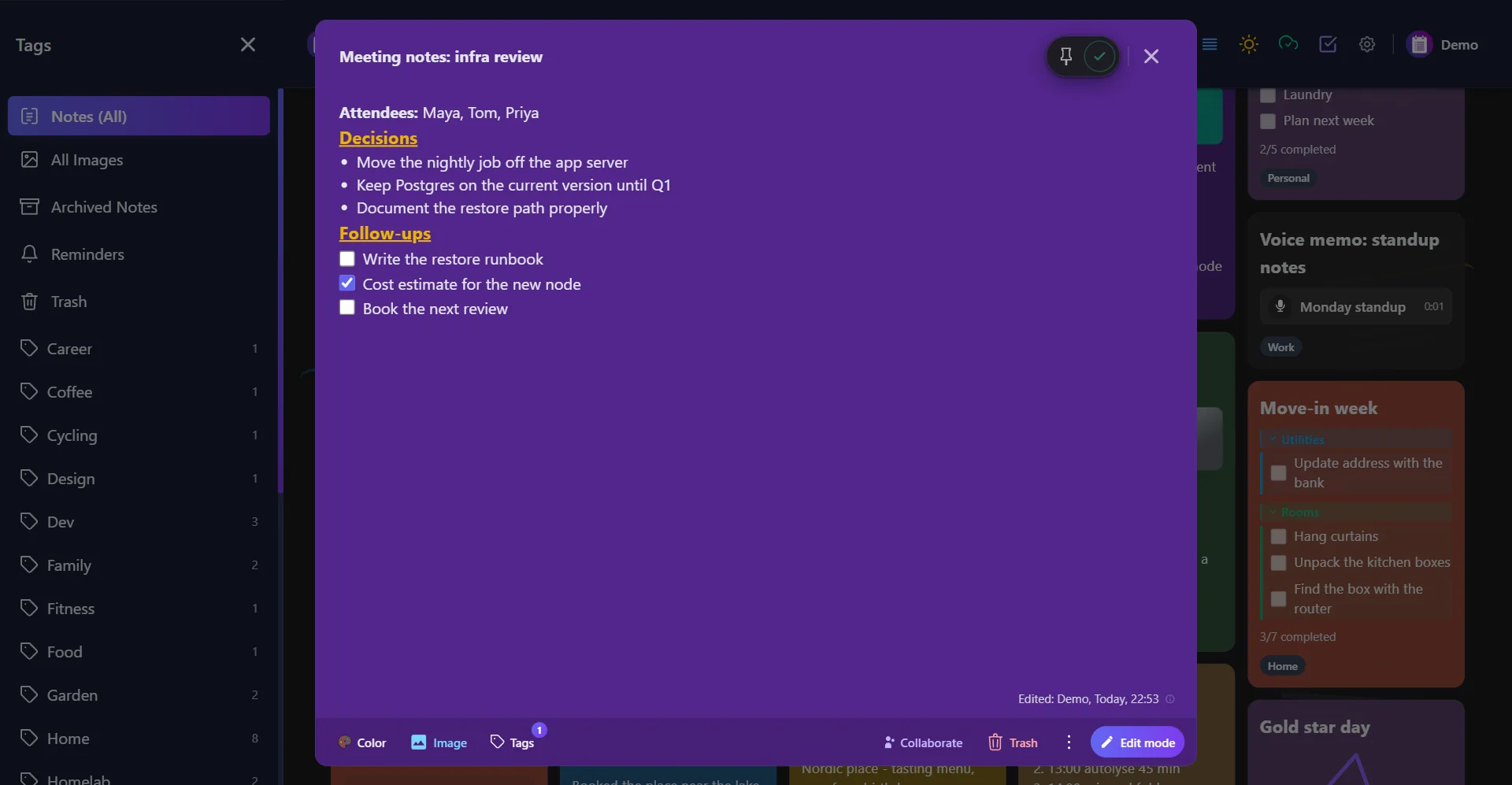
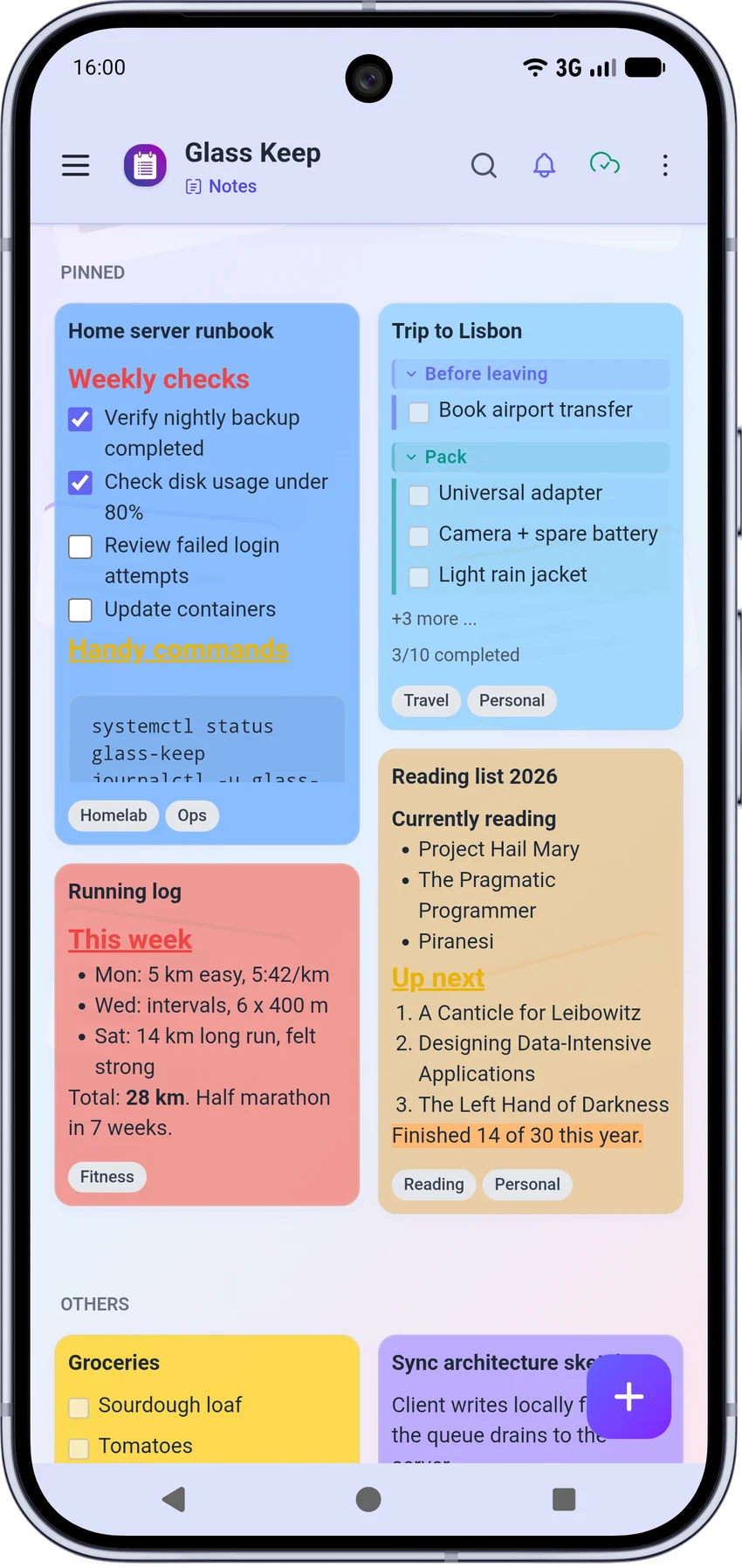
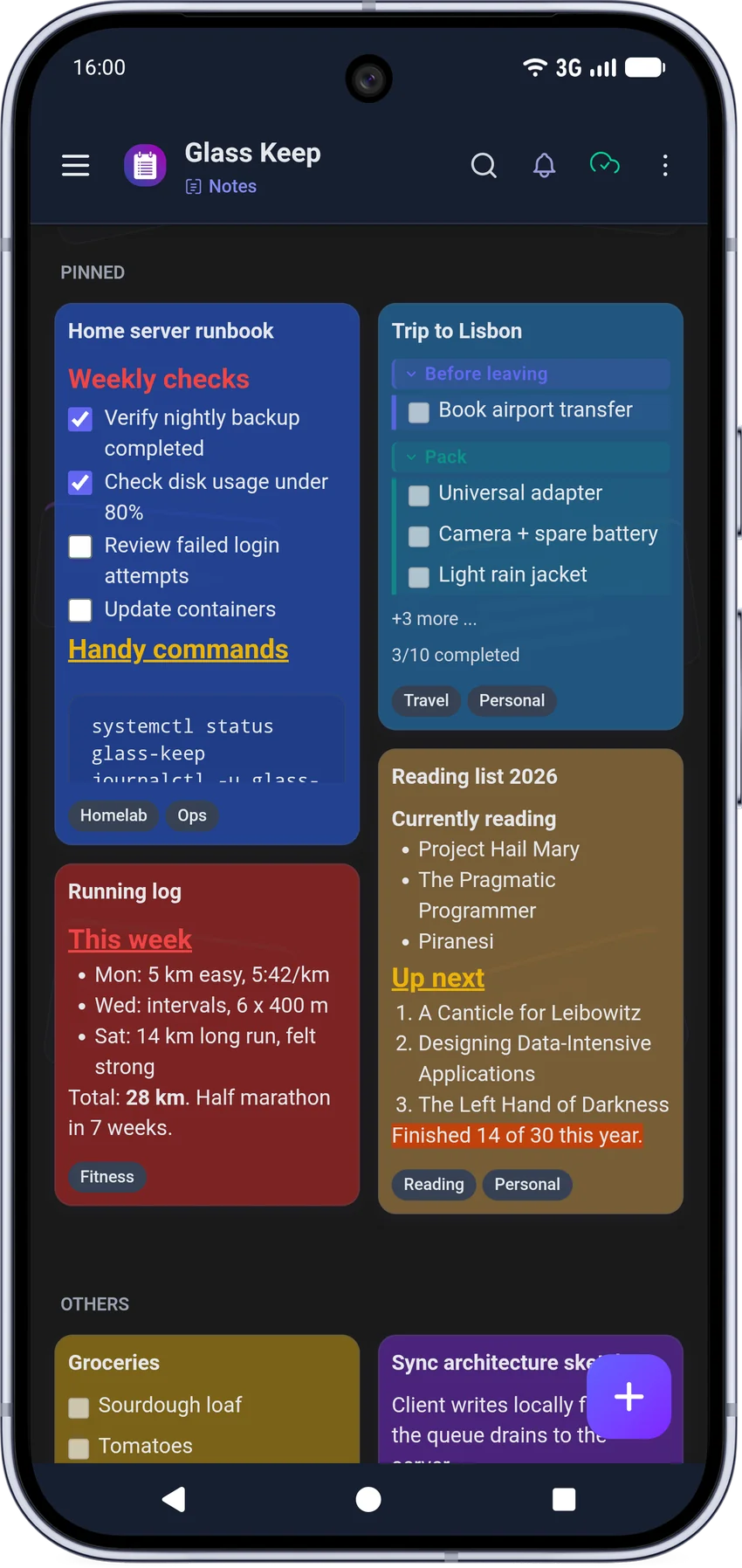
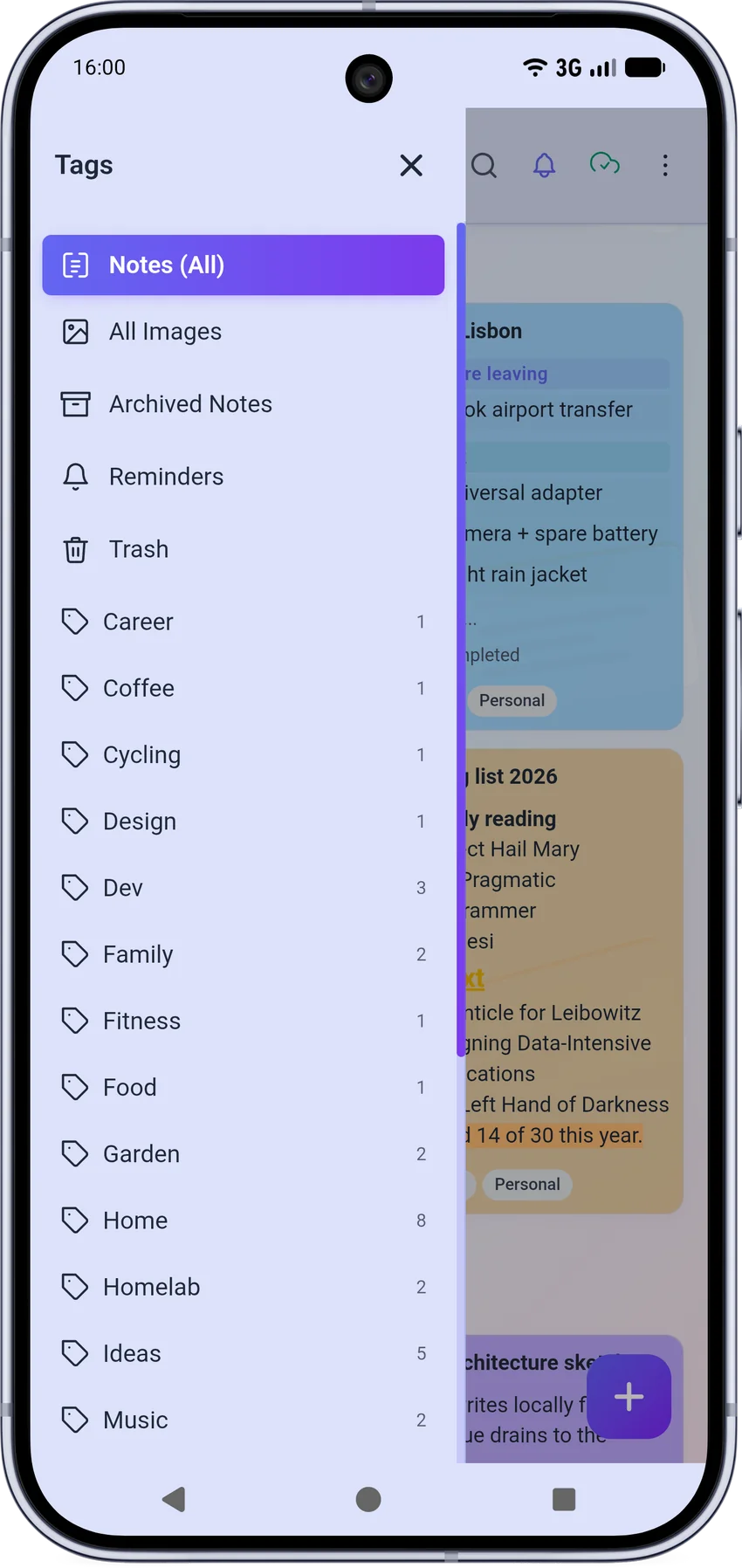
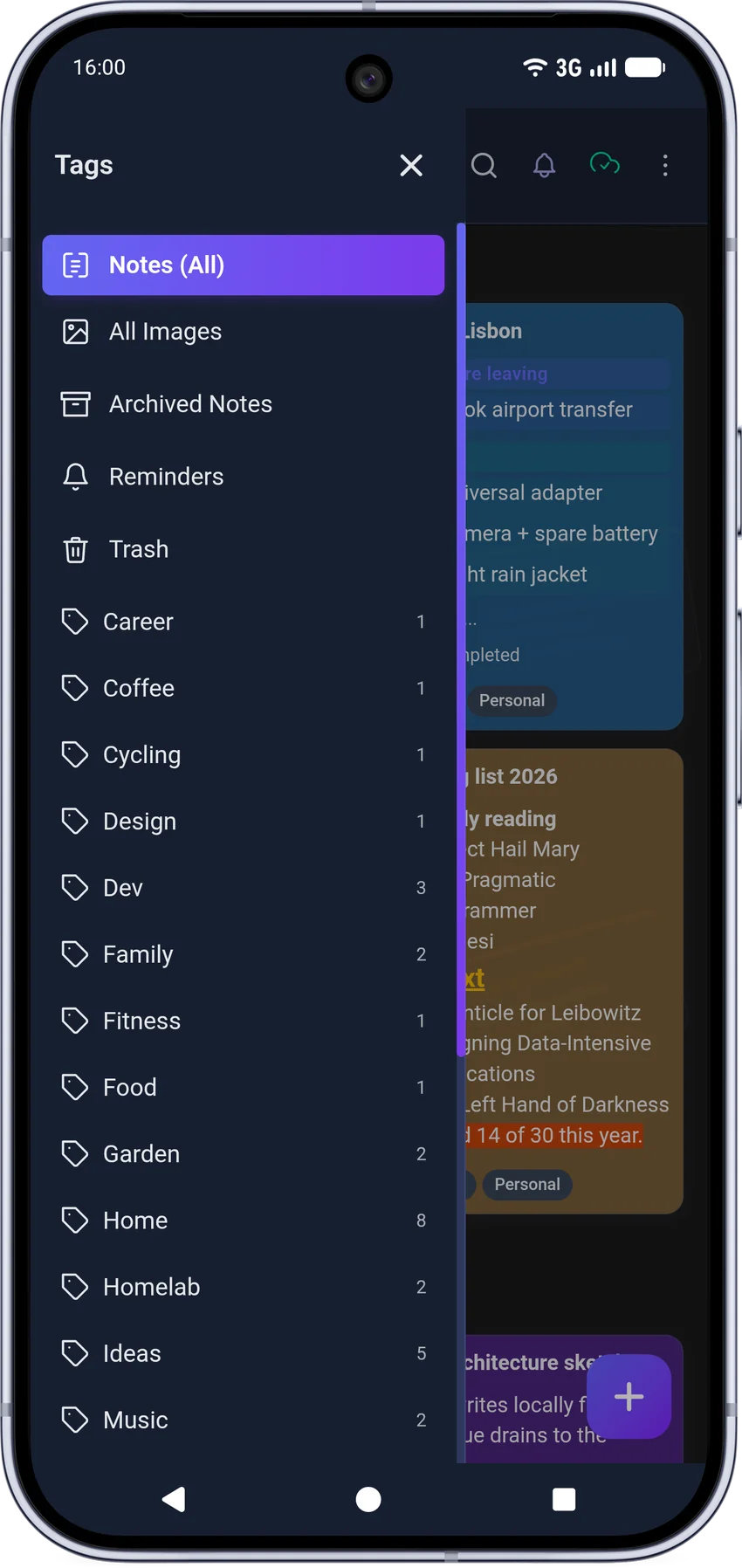
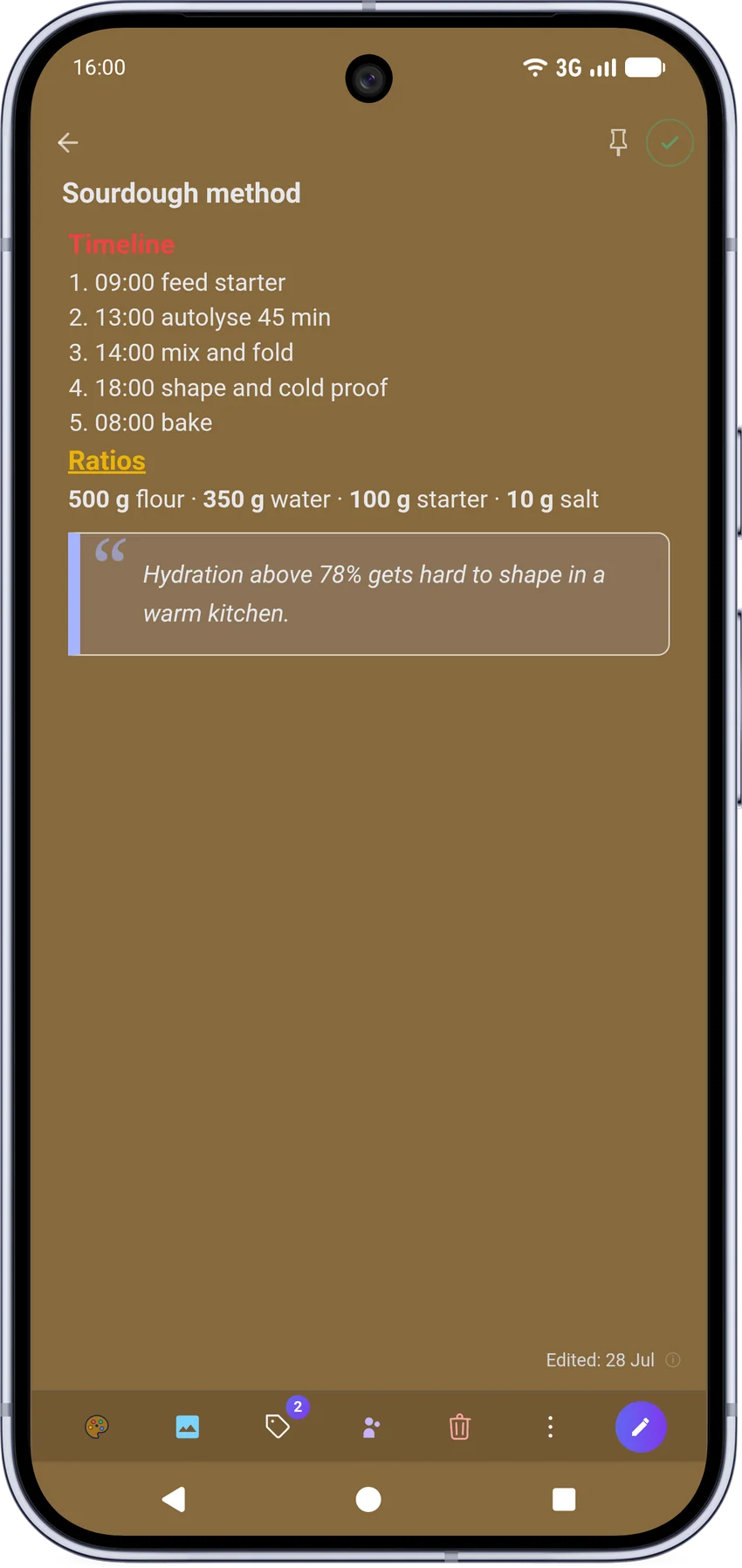
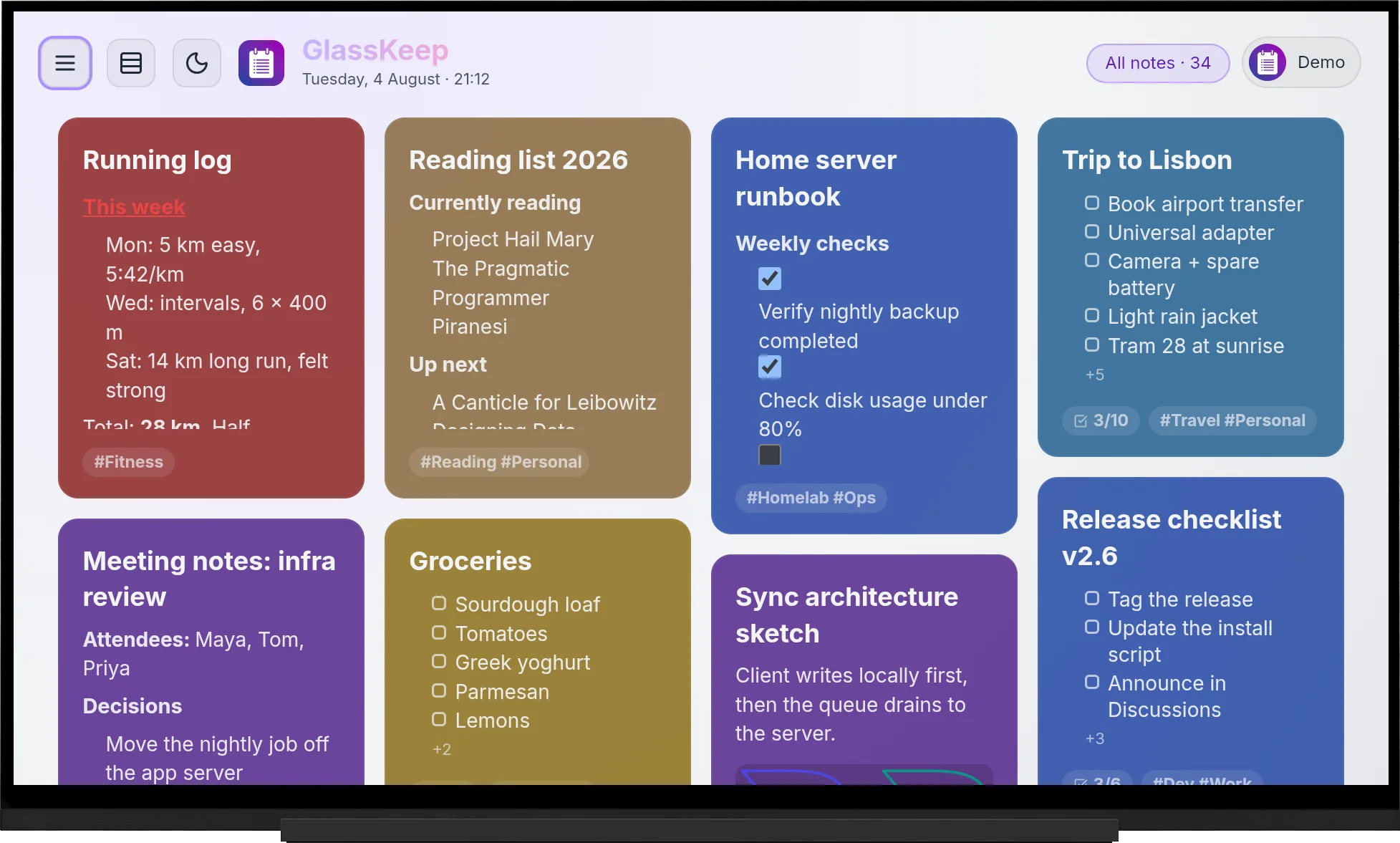
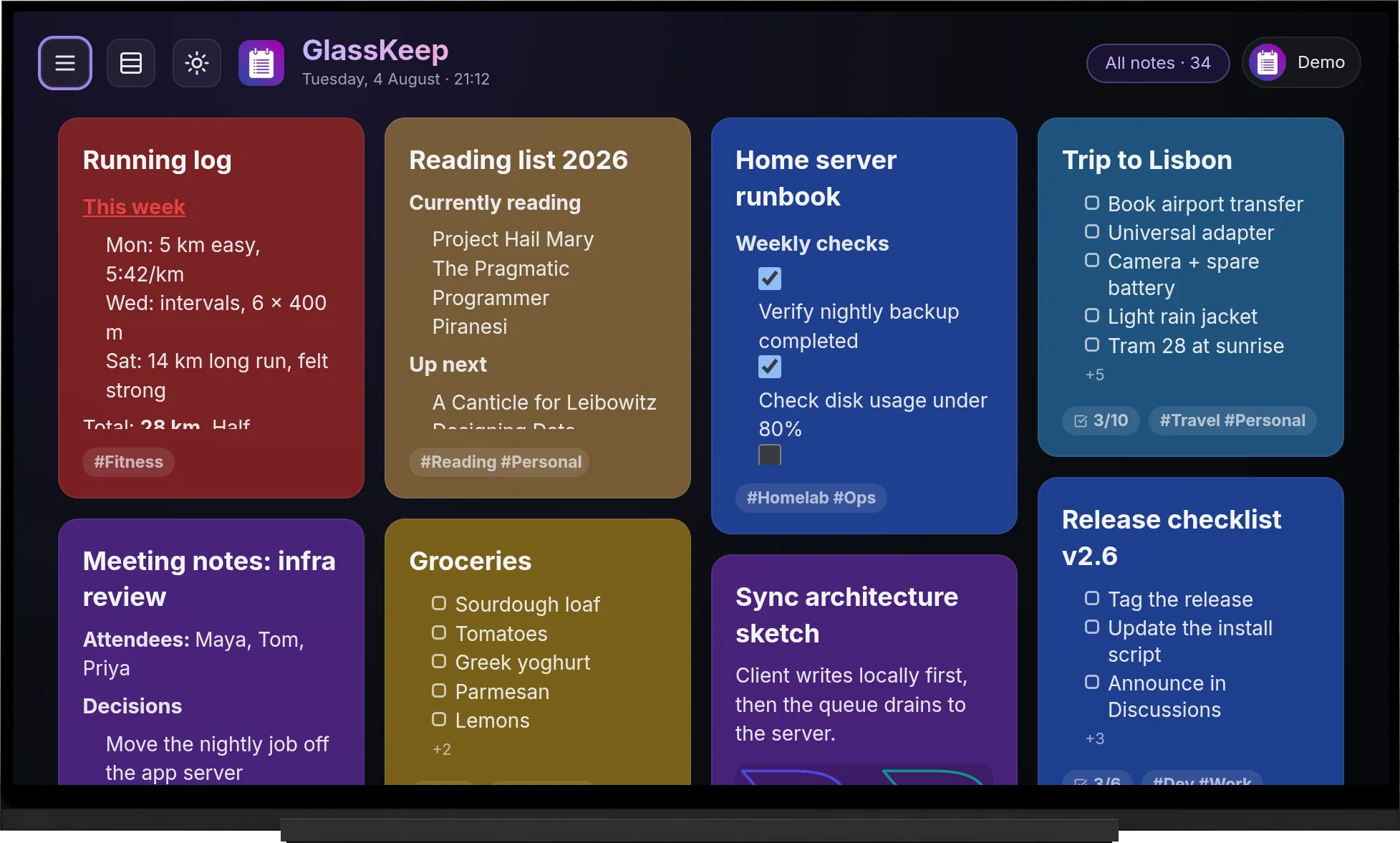
GlassKeep ships with six workspace themes that recolour the header, sidebar and background, while your notes keep their own colours. Pick one below and watch this entire page change with it. That's the real palette, straight from the app.

💡 Your choice follows your account across every device: desktop, phone and TV.
What's inside

Everything a notes app should be,
on your own cloud.

Built over hundreds of commits with a bias toward reliability: nothing here depends on a third-party service staying online.

Local-first, genuinely offline

Notes live in your browser's database first and sync to the server after. Lose Wi-Fi mid-sentence and nothing stops: edits queue up and reconcile automatically when you're back, with conflict handling that keeps the newest edit.

IndexedDB Offline queue Auto-reconcile

Cross-server collaboration

Pair two independent GlassKeep servers and share notes between them in real time. Your friend keeps their server, you keep yours. No shared account, no middleman. Every request is signed, and rosters heal themselves if a peer goes offline.

Your servernotes.you.tld
Their servernotes.them.tld

Encrypted and passwordless

Optional at-rest encryption keeps note content unreadable in the database. Sign in with passkeys (fingerprint, face, or a hardware key) on desktop and Android alike.

At-rest encryption Passkeys

Every kind of note

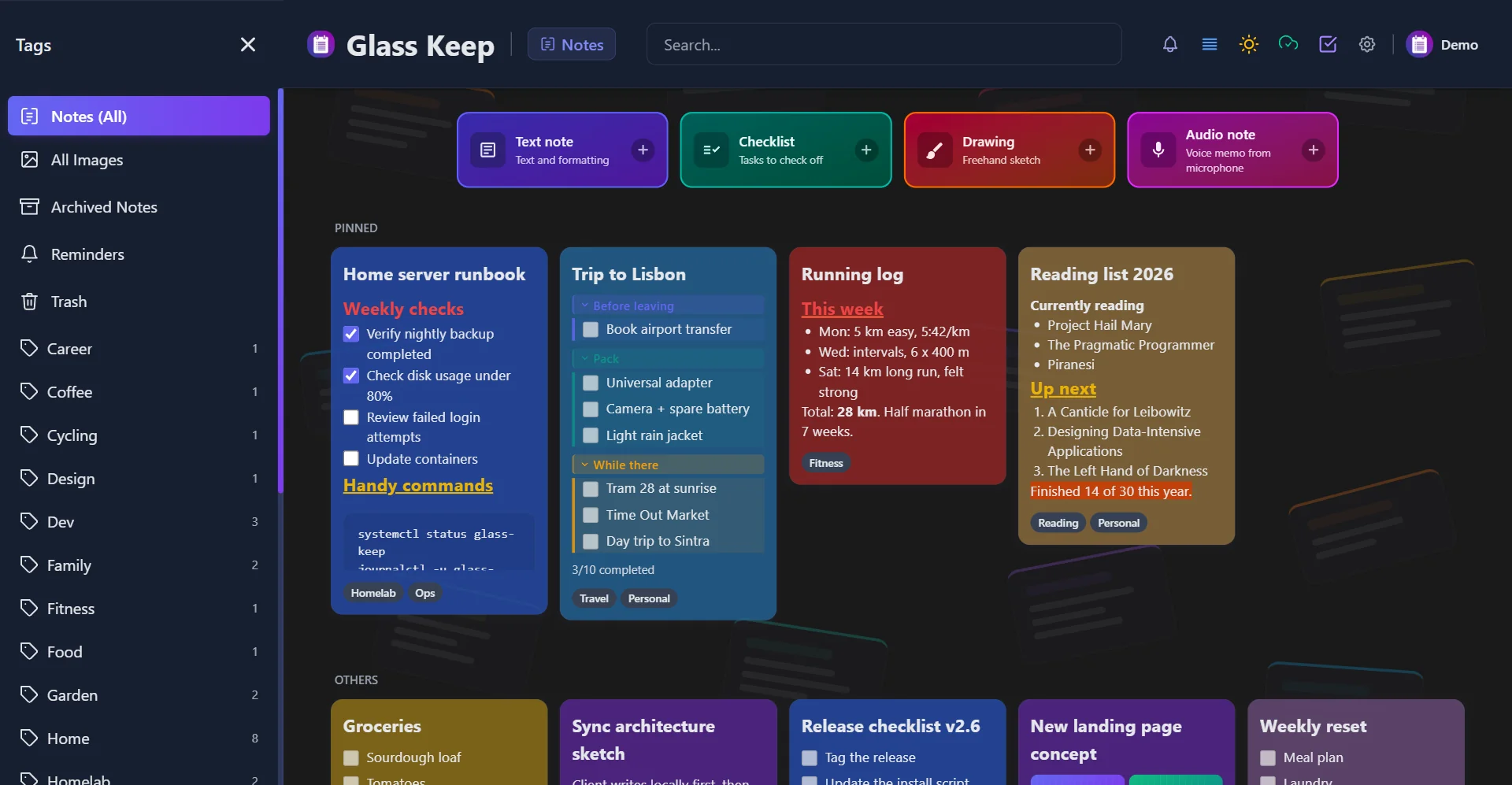
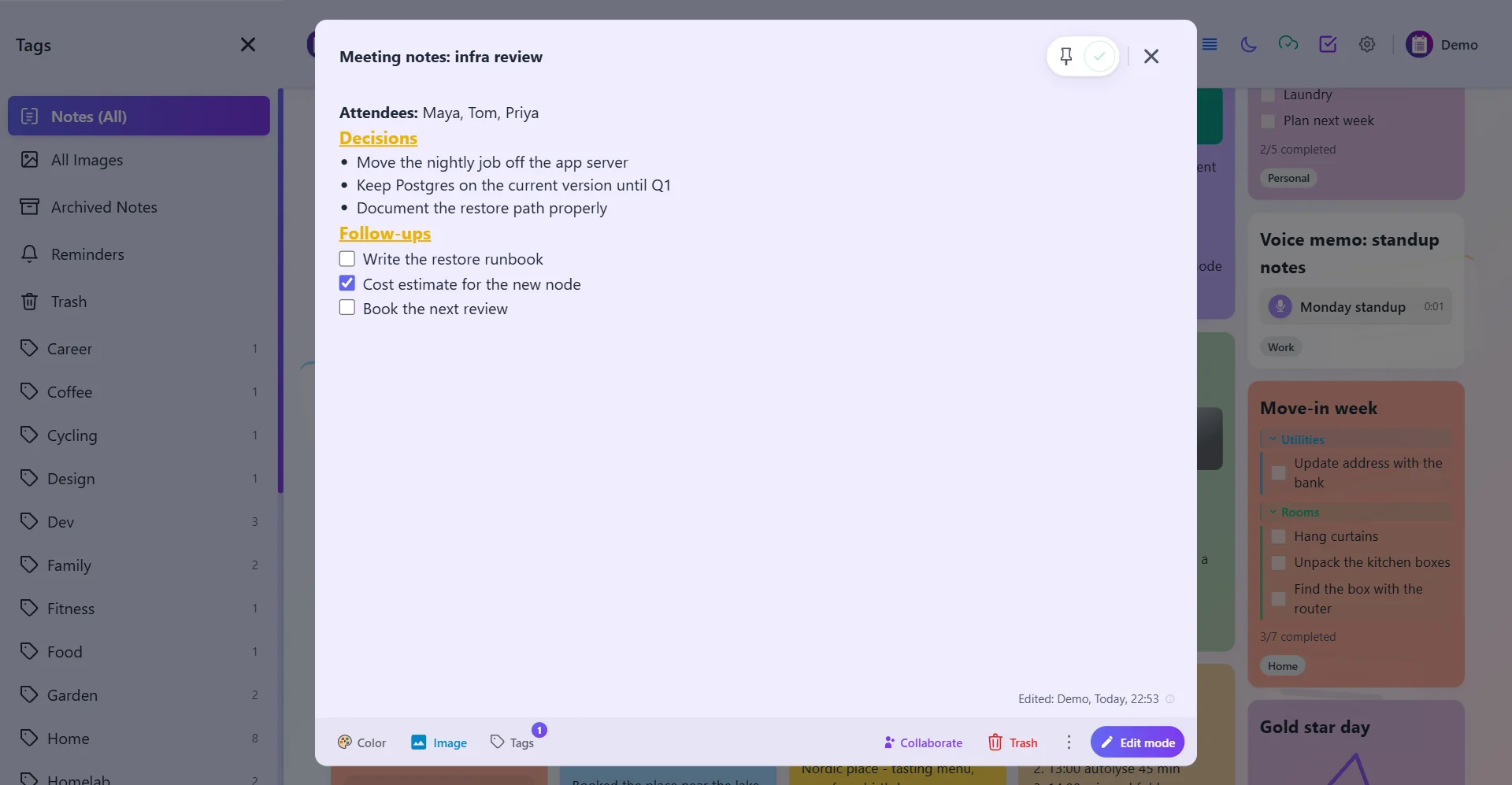
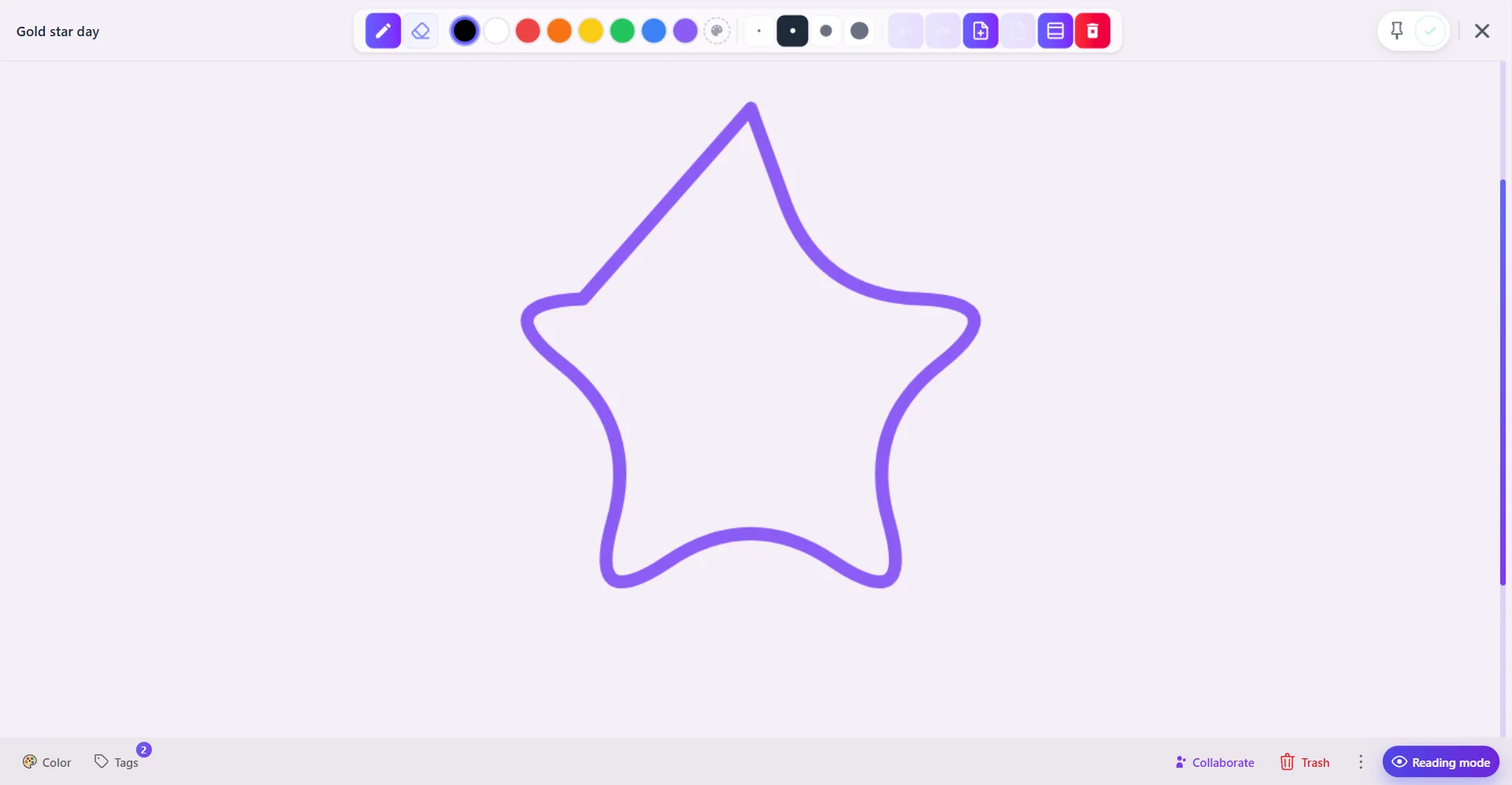
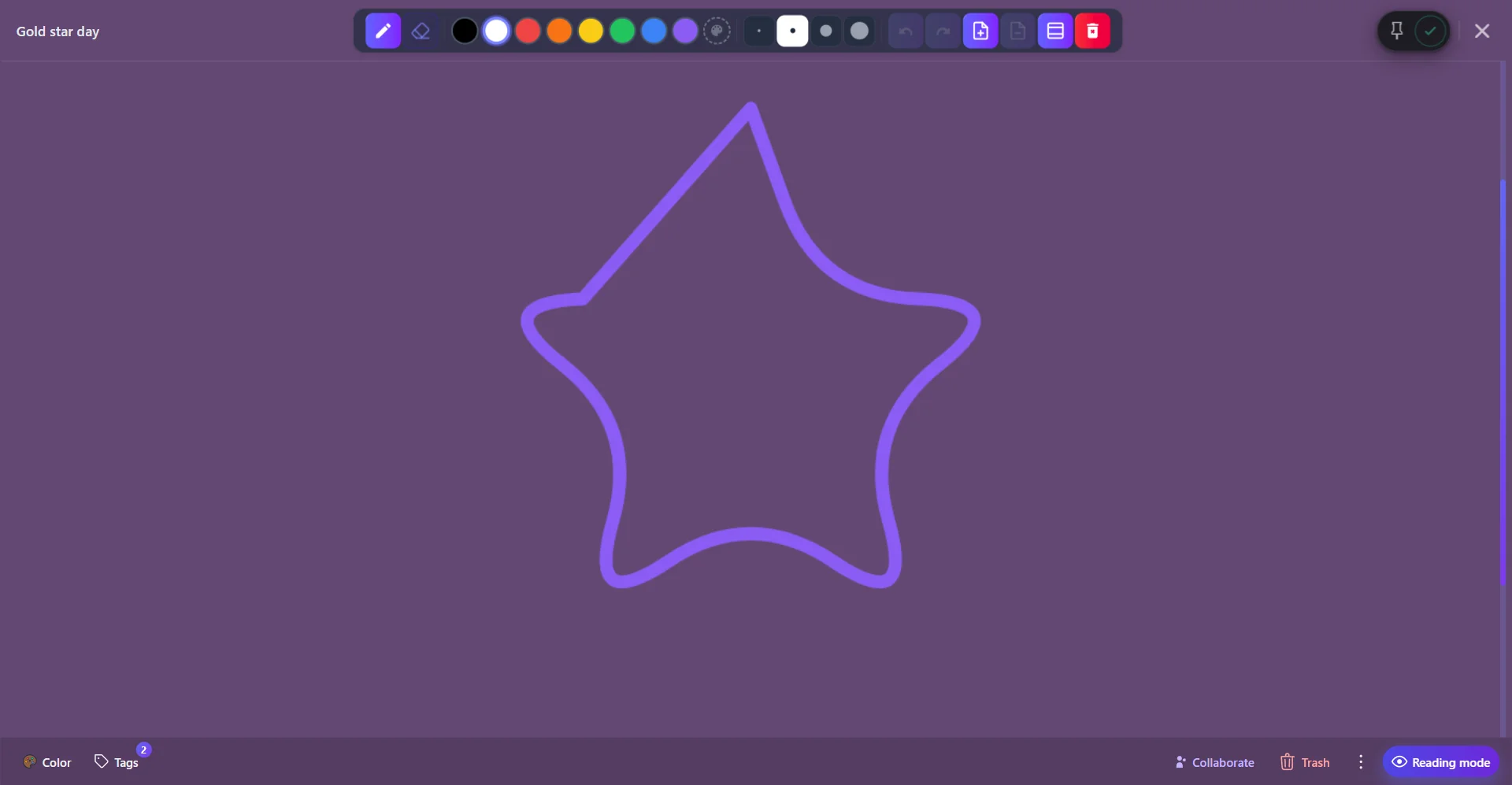
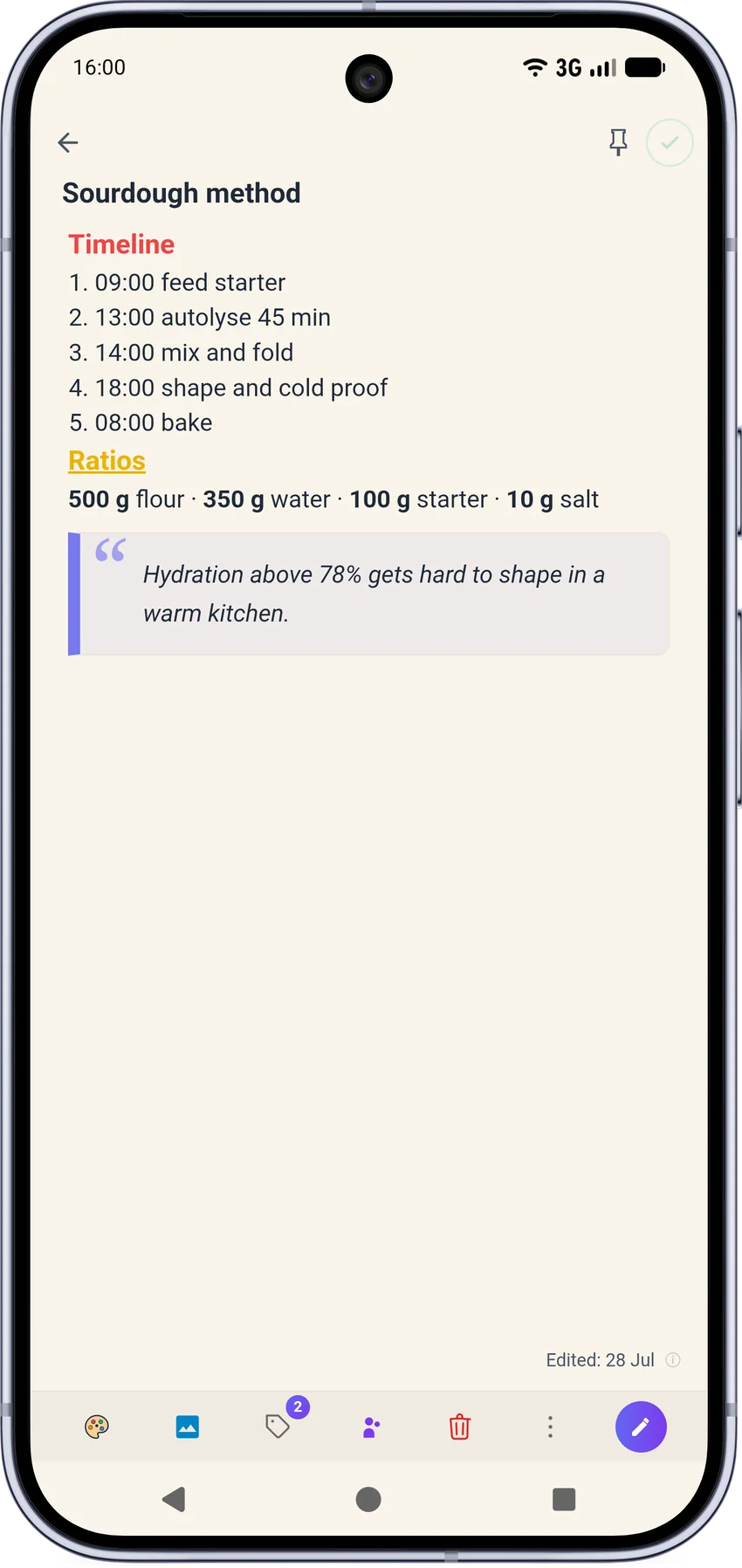
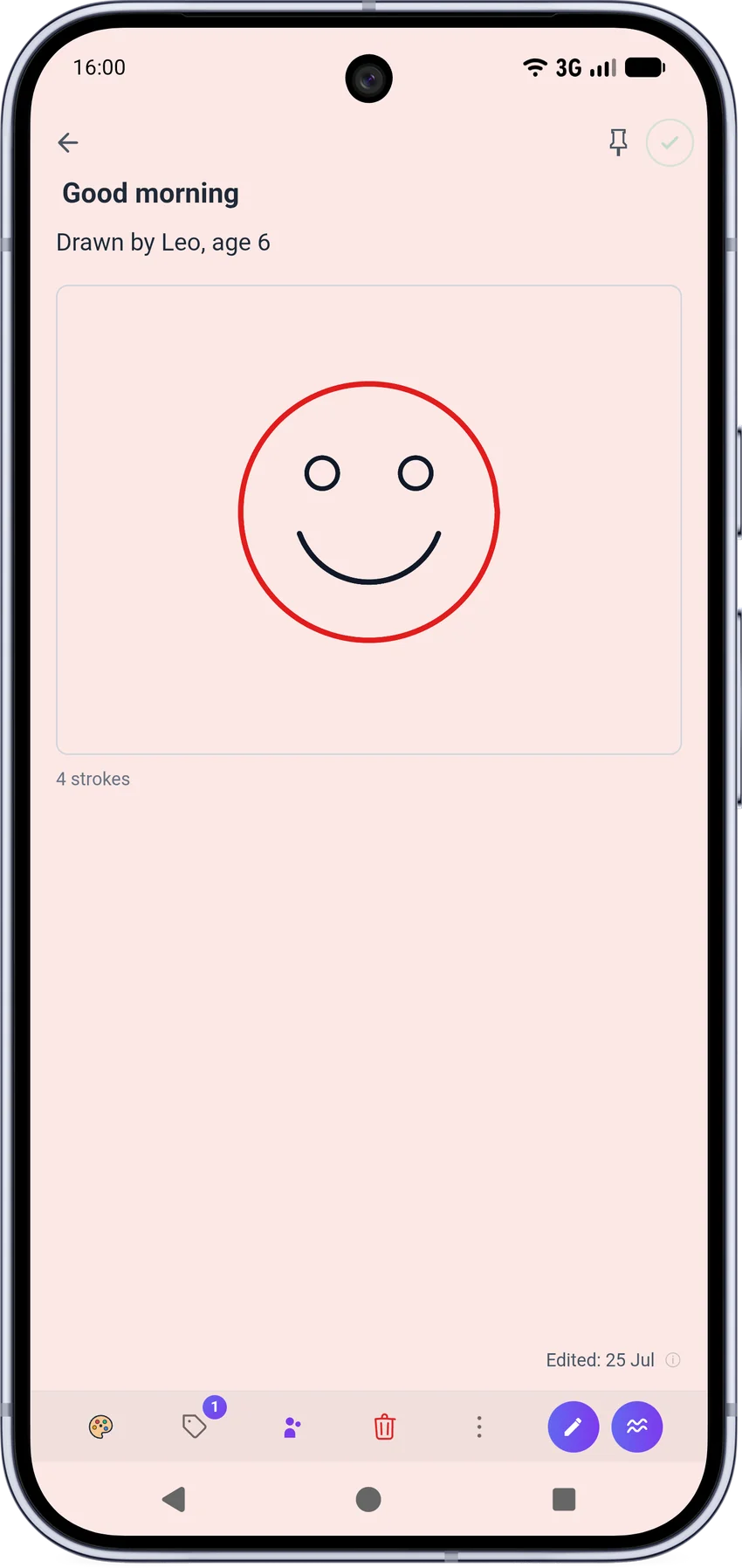
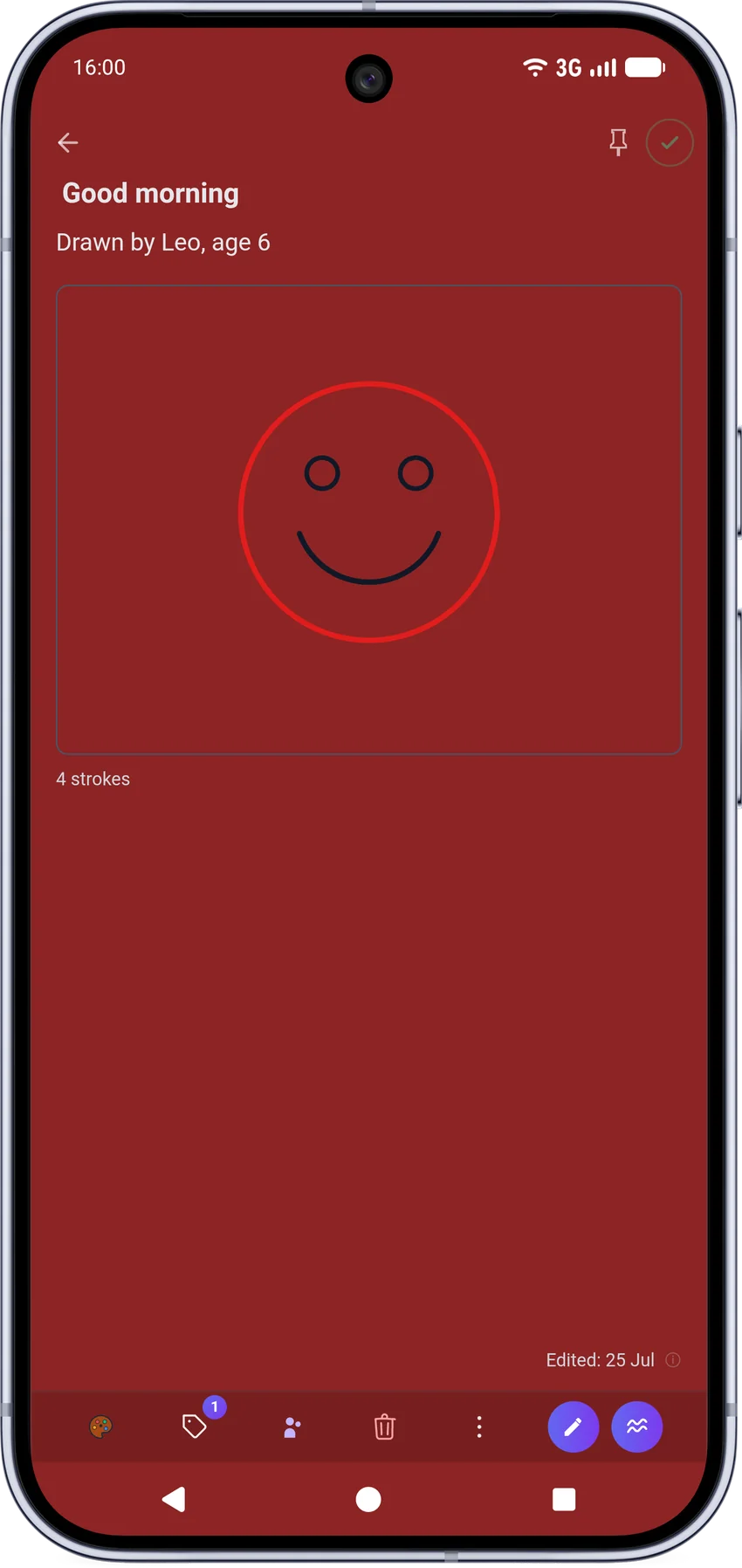
Rich text with live formatting, checklists with sections, freehand drawings, images and audio notes, all in one place.

Your own AI, optional

Point the assistant at any OpenAI-compatible endpoint: Ollama on your LAN, LiteLLM, or nothing at all. It's off by default.

Reminders that arrive

In-app, browser push, and native Android notifications, even with the app fully closed. No Google services in the loop.

Safer deletion

Deleted notes land in Trash, not gone. Restore them any time, or permanently delete only when you're sure.

One-click updates

Update straight from the admin panel: live progress, cancel any time, and if something goes wrong, automatic rollback puts the previous version straight back.
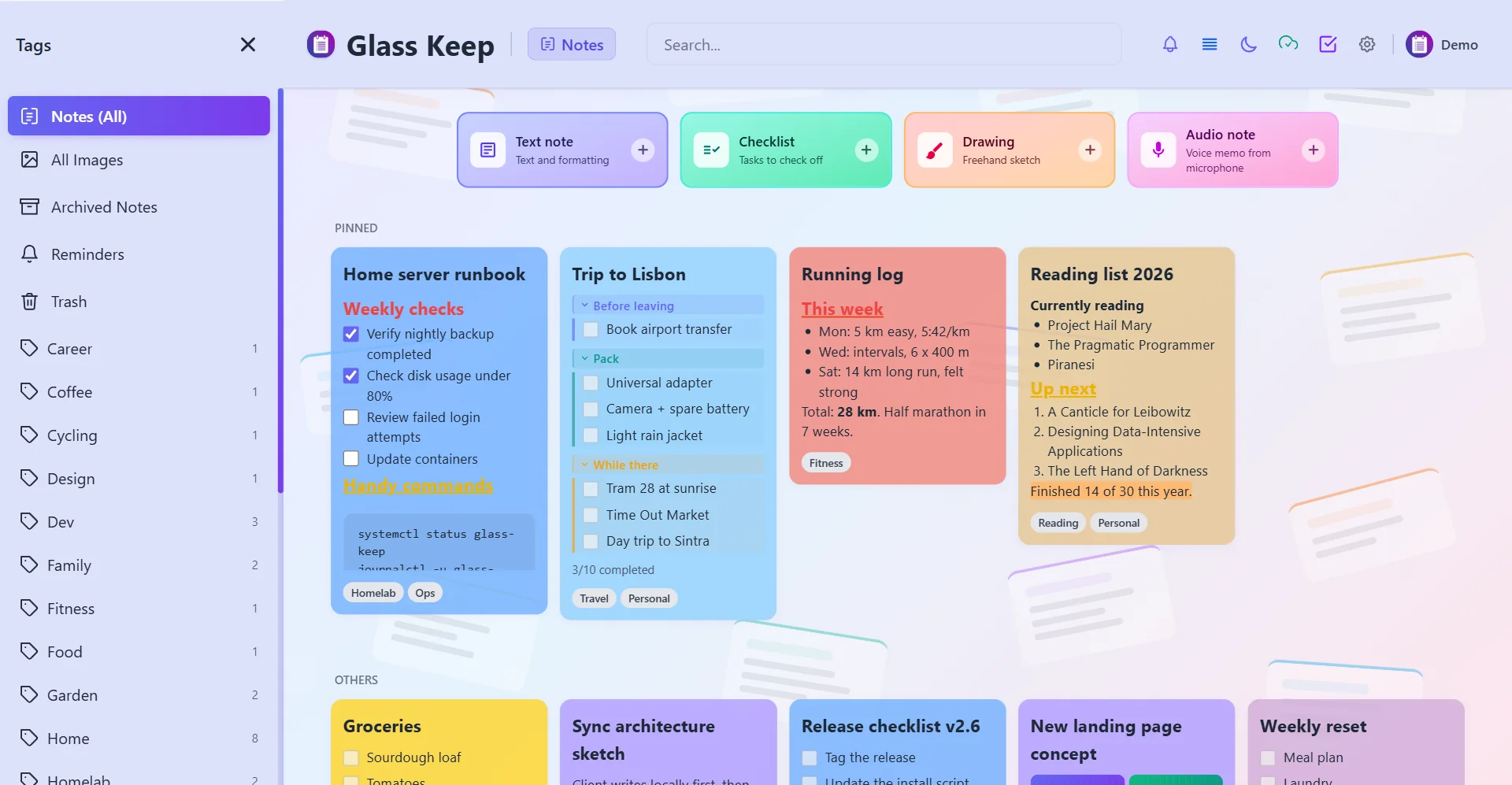
A look inside

Designed to be lived in.

Dense enough to hold a year of notes, calm enough to write in every day.

GlassKeep notes
Editor
Drawing
Everywhere you are

One codebase,
every screen.

Web and PWA

Install it like a native app from any browser. Works offline out of the box.

Android

A native companion app with passkeys, background reminders and QR sign-in.

Android TV

The same APK detects your TV and switches to a D-pad layout built for the couch.

Switching over

Coming from Google Keep?

Export your notes from Google Takeout and drop the .zip straight in. GlassKeep rebuilds every note exactly as it was: same colour, same checklist, same date.

💡 Drop the whole Takeout .zip, loose .json files, or images: any combination works, and importing the same export twice never creates duplicates.
  • Text notes and checklists Line breaks and paragraph spacing come through exactly as written, and every checklist item keeps its checked or unchecked state.
  • Colour Keep's palette maps onto GlassKeep's own colours, so notes still look like themselves.
  • Images and saved drawings Every attachment comes in embedded on the note, matched automatically from the same export.
  • Labels become tags Each label imports as a tag, ready to filter on from day one.
  • Pinned notes stay pinned No need to re-pin anything after the import.
  • The real edit date Notes keep the date they were last edited in Keep, not the day you happened to import them.
Get started

Running in under a minute.

Two supported paths. Both create the admin account, generate the config and handle HTTPS. No manual wiring.

Debian / Ubuntu / LXC Recommended

curl -fsSL https://raw.githubusercontent.com/\
Victor-root/glasskeep-enhanced/main/install.sh \
  | sudo bash
  • Install, update and uninstall from one script
  • Creates the admin account and systemd service
  • Reverse proxy, self-signed or custom SSL
  • Optional at-rest encryption setup

Docker NAS friendly

services:
  glasskeep:
    image: ghcr.io/victor-root/glasskeep-enhanced:latest
    container_name: glasskeep
    restart: unless-stopped
    ports: ["8080:8080"]
    environment:
      ADMIN_EMAIL: "your-admin-username"
      ADMIN_PASSWORD: "choose-a-strong-password"
    volumes:
      - ./data:/data
  • Same compose file for CLI or a NAS GUI
  • Published on GitHub Container Registry
  • One-click in-app updates from the admin panel

Take your notes back.

Free, open source, and yours to run. Star the repo if GlassKeep earns a place on your server.