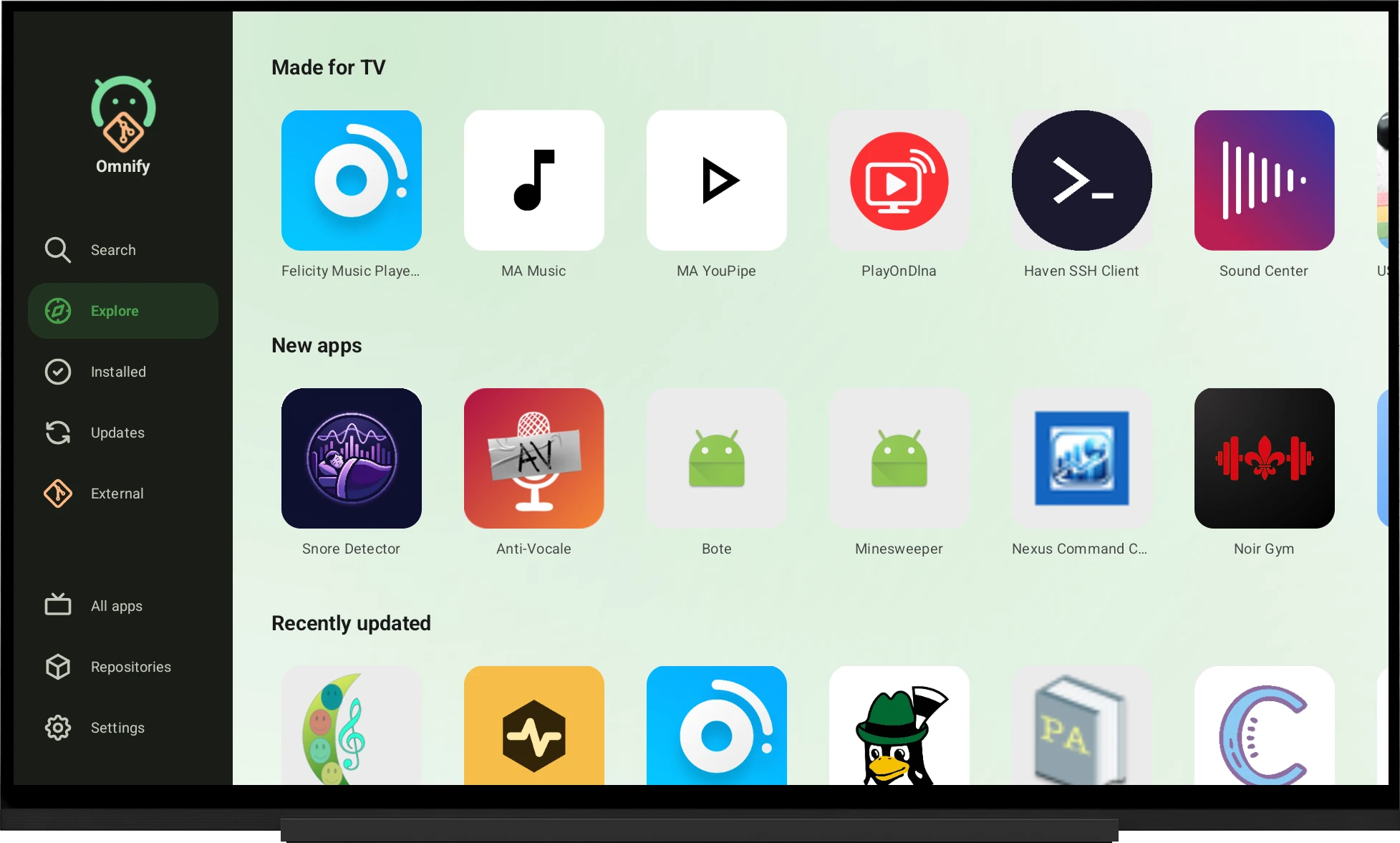
Made for Android TV
A real 10-foot interface: full D-pad navigation, a scaled-up UI, automatic "Made for TV" detection for catalogue and external apps, and a curated pack of FOSS TV apps.
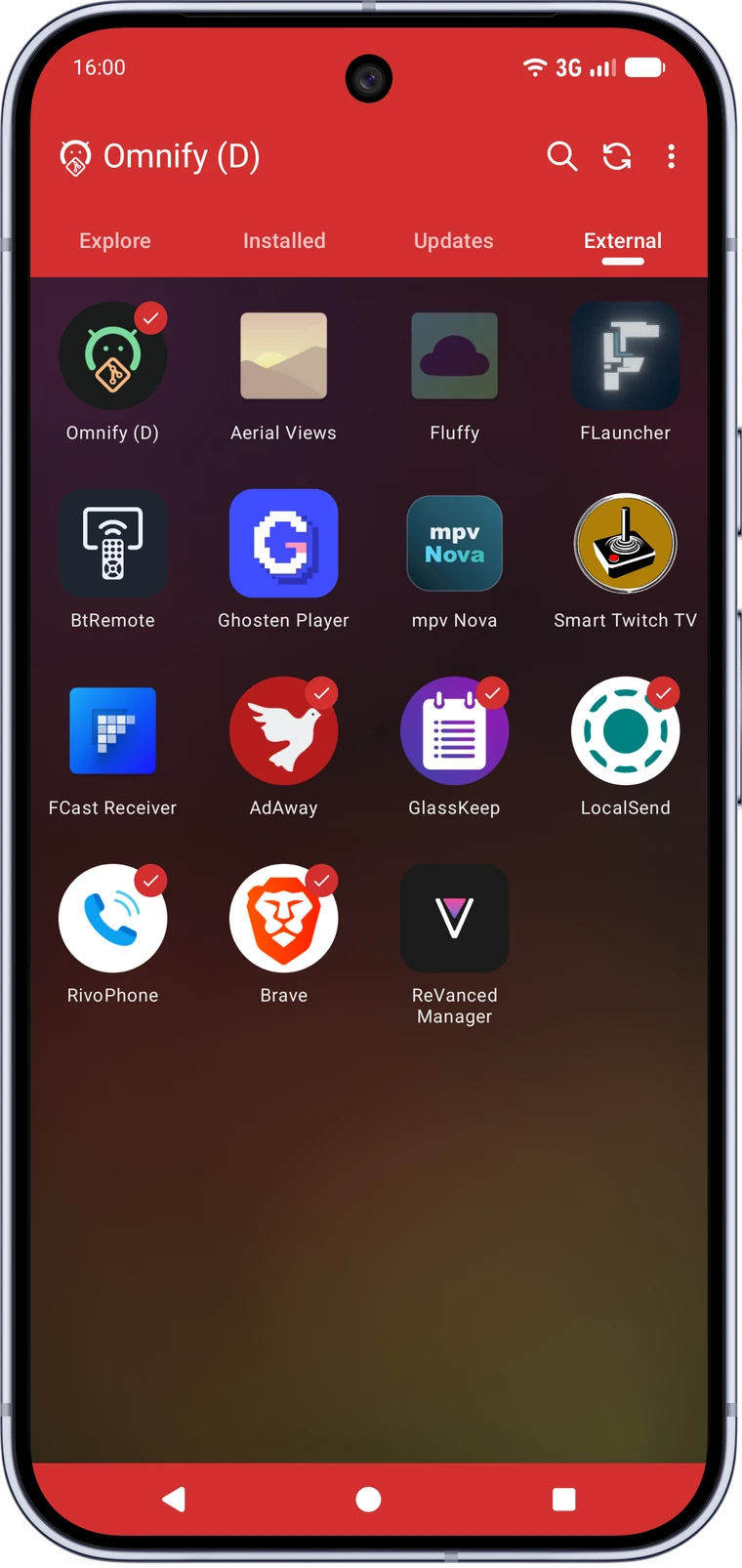
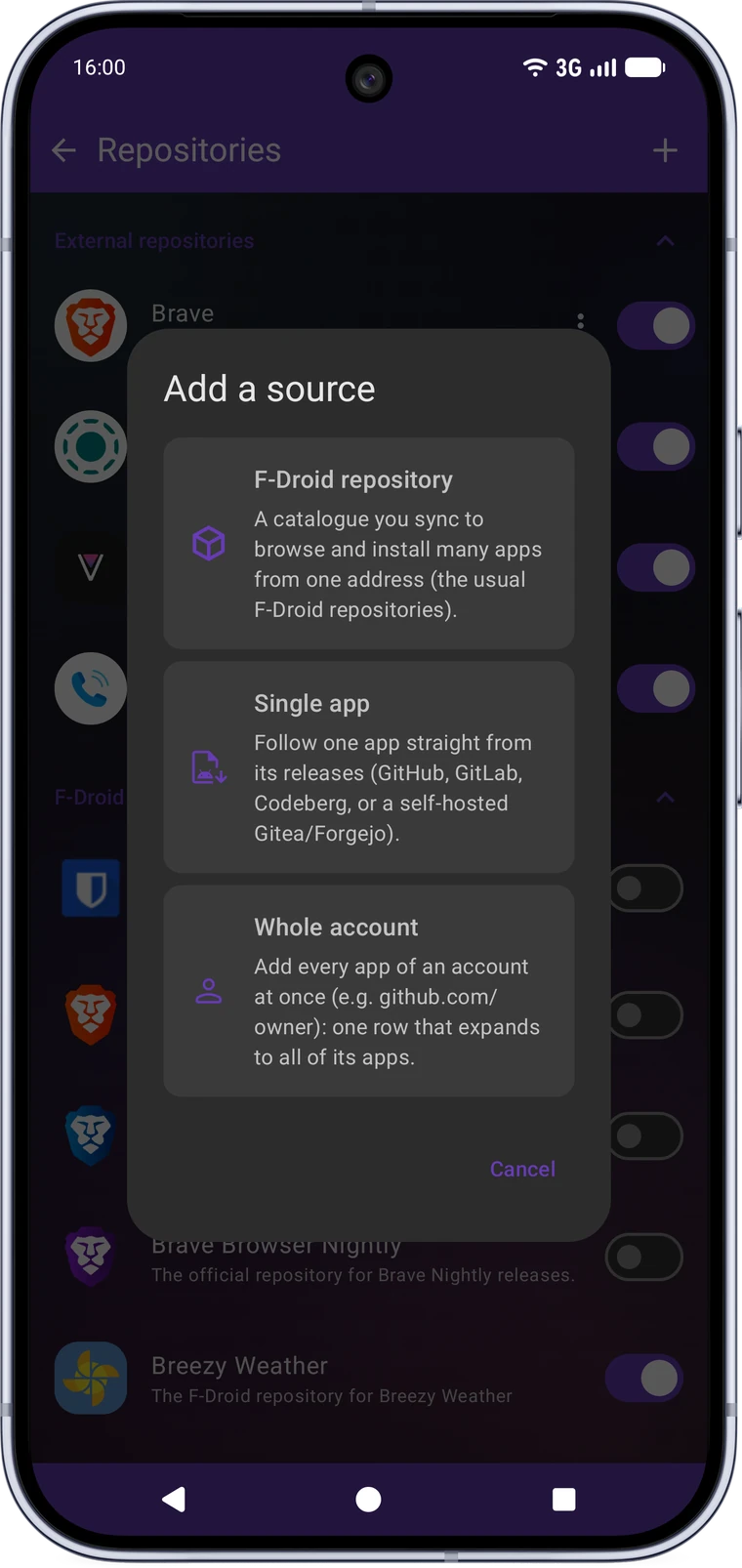
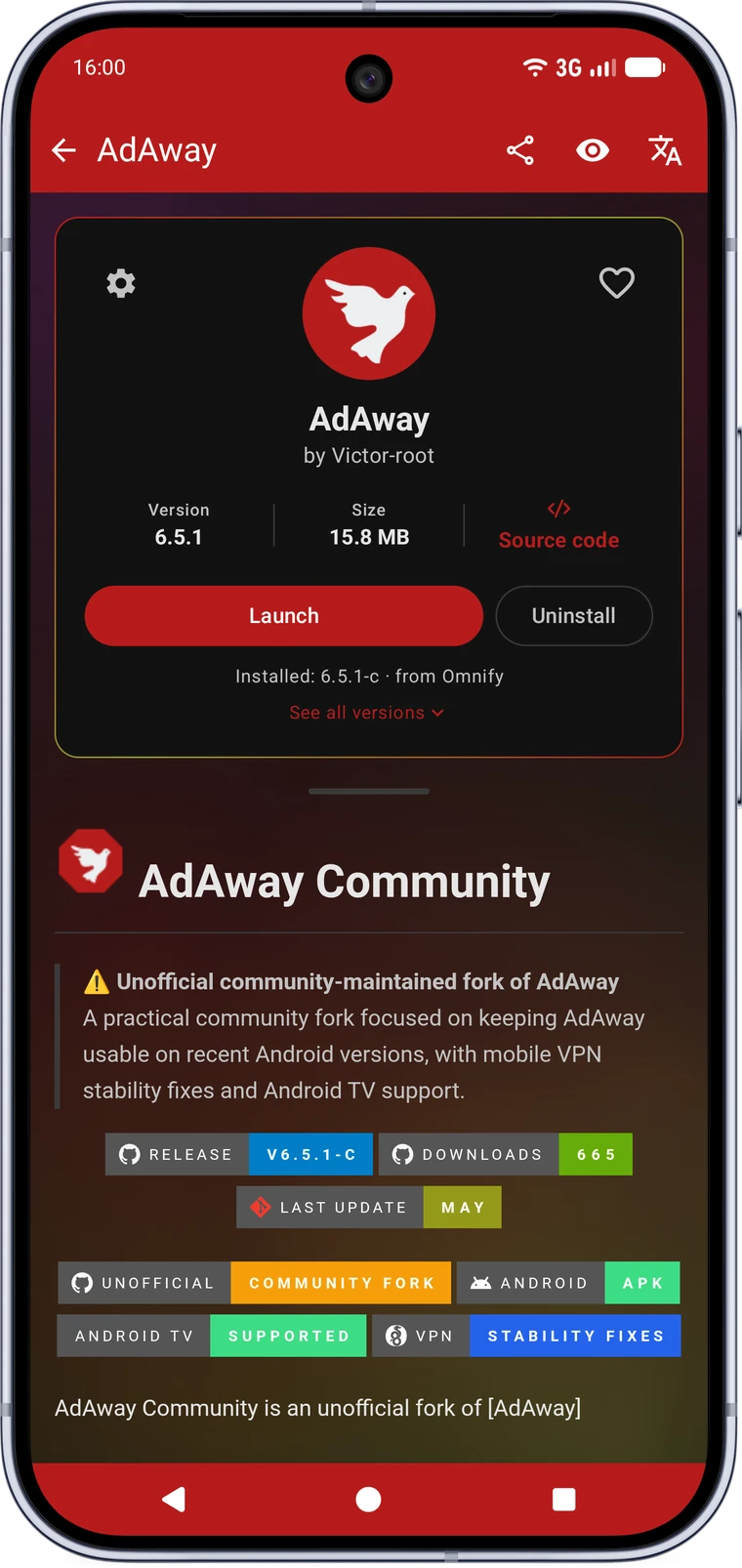
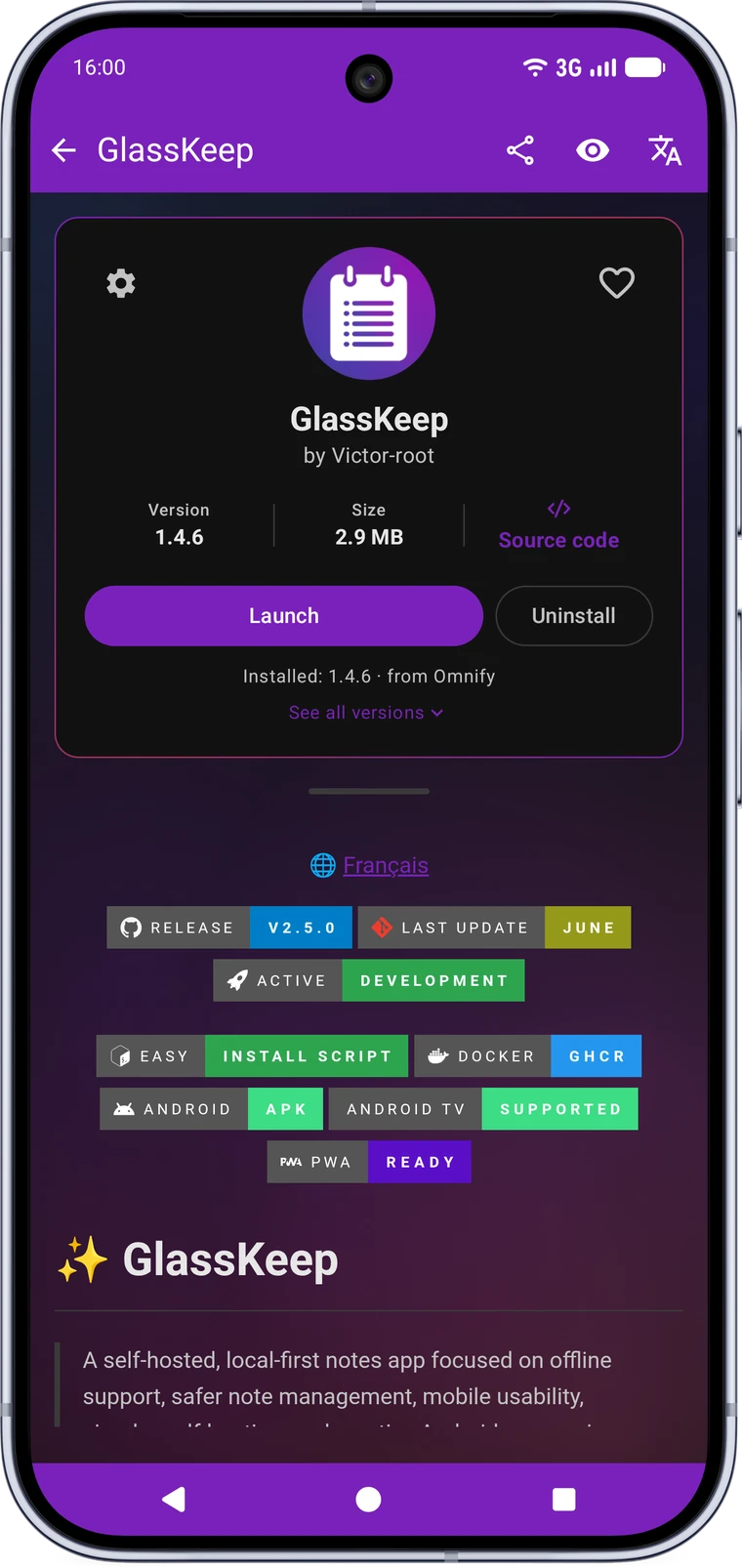
A free and open-source F-Droid client that also tracks releases straight from GitHub, GitLab, Codeberg and self-hosted Gitea or Forgejo. No repository required, no Play Store, no account. Every app page tells you which Google services it needs and how much of that microG restores.
Installs and updates apps from
Plenty of great Android apps only ever ship a release on their own forge. Omnify tracks those releases directly, so they install and update like any other app instead of being a file you re-download by hand every few months.
A daily-driver store, not a tech demo. Every feature below is in the app today.
A real 10-foot interface: full D-pad navigation, a scaled-up UI, automatic "Made for TV" detection for catalogue and external apps, and a curated pack of FOSS TV apps.
Rebuilt in Jetpack Compose with Material 3: an accent-colour picker that can follow your wallpaper or an app's own icon, tinted system bars, edge-to-edge, and wavy progress indicators.
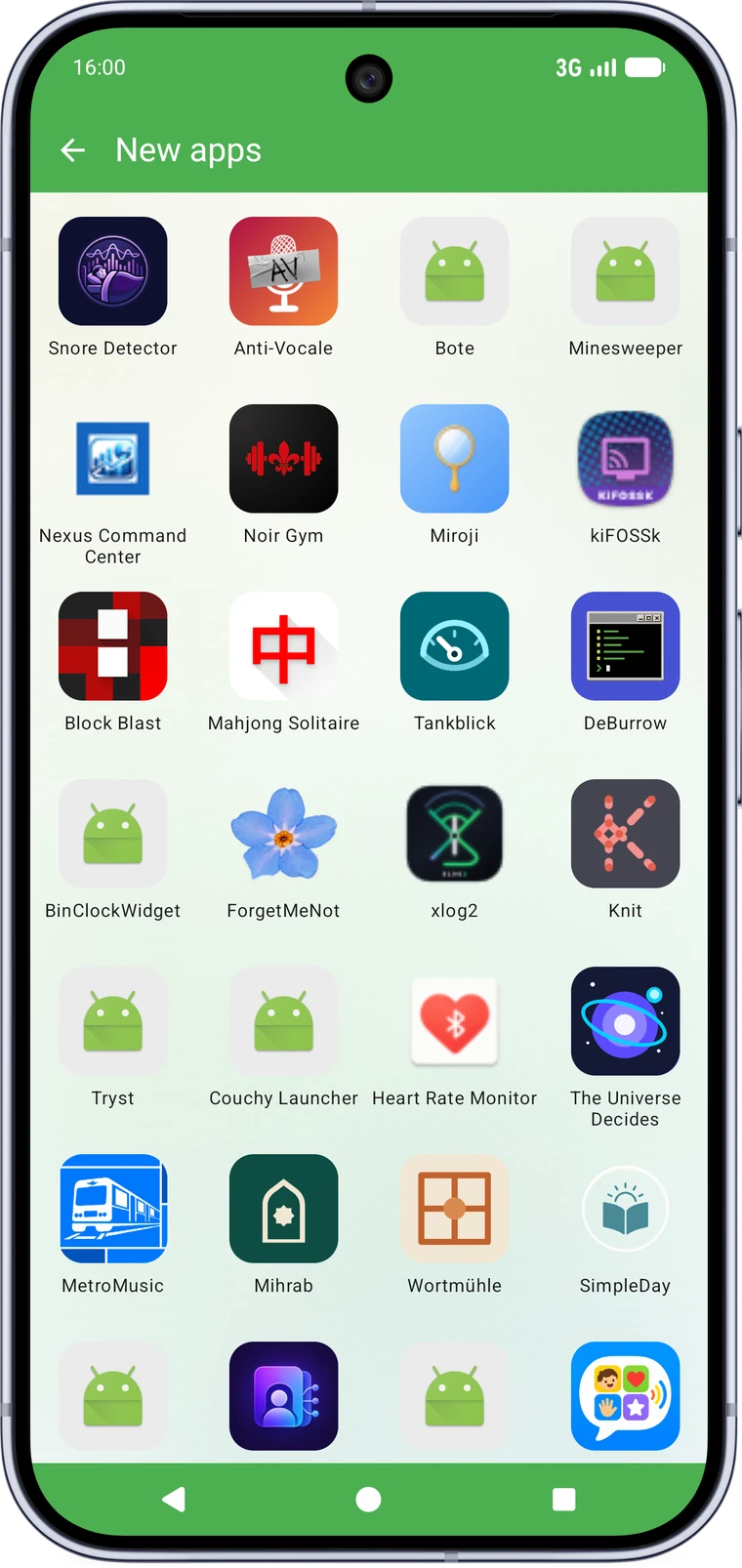
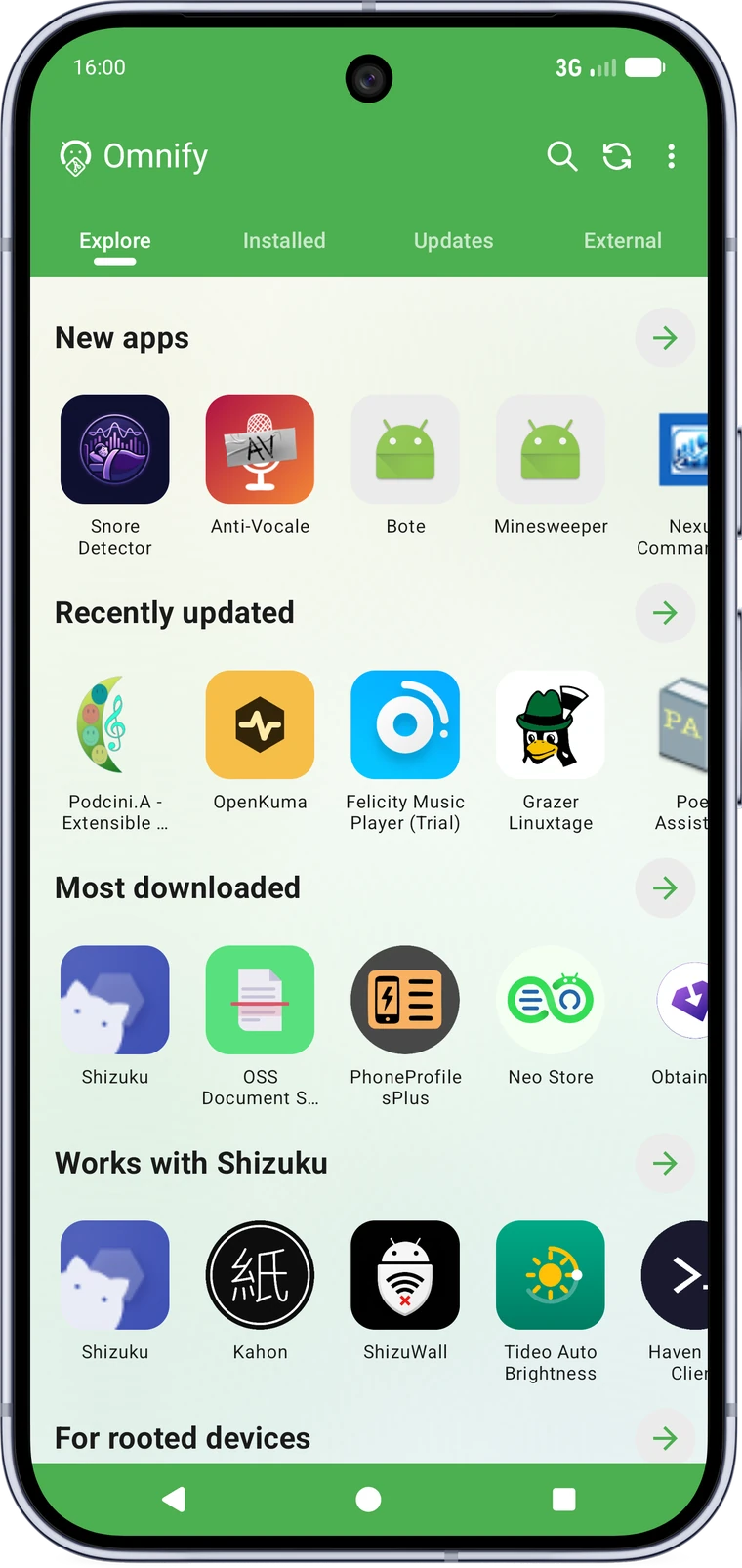
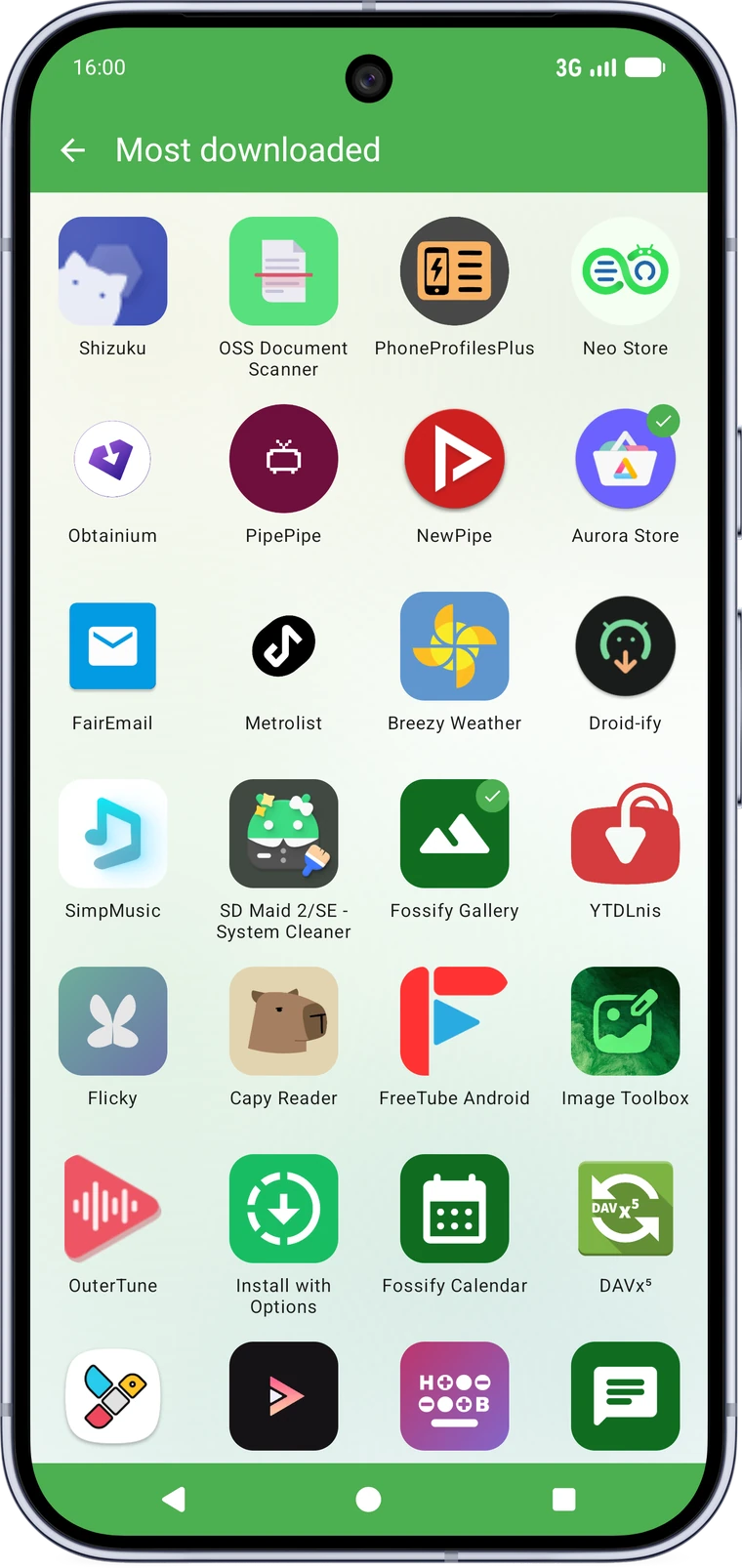
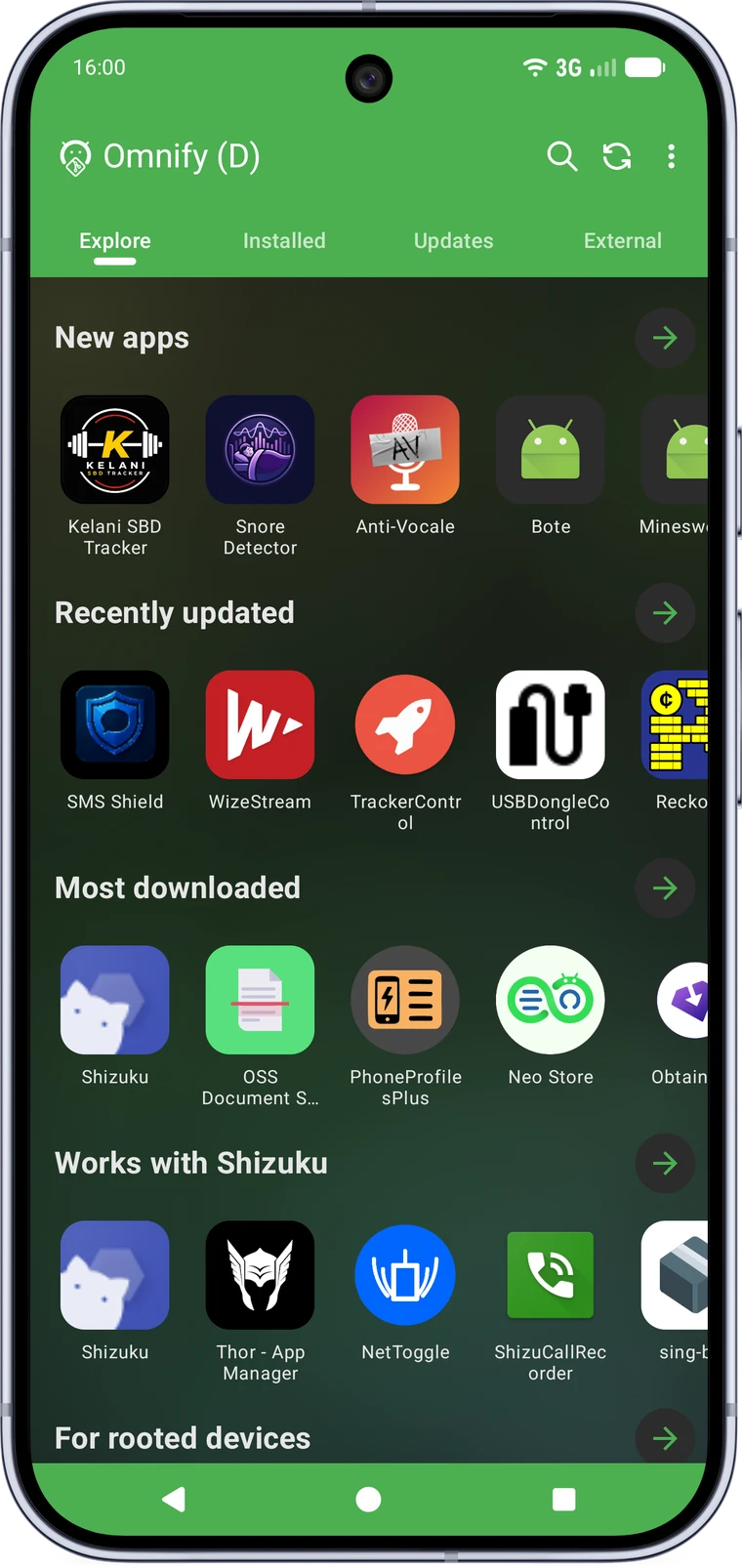
A curated landing screen with carousels for what's new, recently updated and most downloaded, plus a browsable categories section.
Hide any app, catalogue or external, from every list with one tap on its page. Manage what's hidden, or bring an app back, from Settings.
Translate an app's summary and description into your language with online, self-hosted or fully offline on-device engines. Nothing is downloaded until you pick the on-device one.
Back up repositories, external sources, settings, favourites and custom buttons independently, all in one file. Restoring only ever adds to what's there, it never wipes it.
Omnify is free software, licensed under the GNU General Public License v3.0. Not "source available", not open-core with a paid tier: the whole app is public, anyone can read it, build it, fork it or check that the release they installed matches the code they can see.
Most stores on a TV box are a phone app you fight with a remote. Omnify has its own TV interface: a home screen with carousels, a navigation rail, detail pages built for the D-pad, and a curated pack of FOSS TV apps ready to install.
Every install path in Omnify verifies what it is about to hand to Android, and every check it runs is visible to you rather than hidden behind a spinner.
In-app purchases and subscriptions go through the Play Store. Without it (microG does not replace it), purchases fail. The app often stays usable in its free version.
An embedded Google Maps view may stay grey or blank without Google Play services. microG covers it partially.
Server-sent notifications (messaging, alerts) may be delayed or not arrive without Google Play services or microG. The app still launches and works with manual refresh.
Native speakers are very welcome to review these, and to add more.
The core is solid and it gets used every day, but there is no point pretending it is already fully polished. External sources deserve the closest look right now: every project structures its releases a little differently, and a pattern only becomes reliable once it has been seen on a real repository.
If an app's icon, name, version, tags, languages or Google-services badge looks wrong, that report is genuinely useful. It is never just noise.
Report somethingRequires Android 6.0 (API 23) or newer. Phones, tablets and Android TV.
Every release is signed with the same certificate. Compare its SHA-256
fingerprint, for example via apksigner verify --print-certs,
against this one:
F2:2B:D7:B4:63:D8:D8:9C:A1:AC:3B:6C:41:DB:0B:25:AA:C7:7B:86:24:C9:70:E4:52:81:2D:32:19:42:A9:71